

The short answer
Open a ticket from Nexor AI
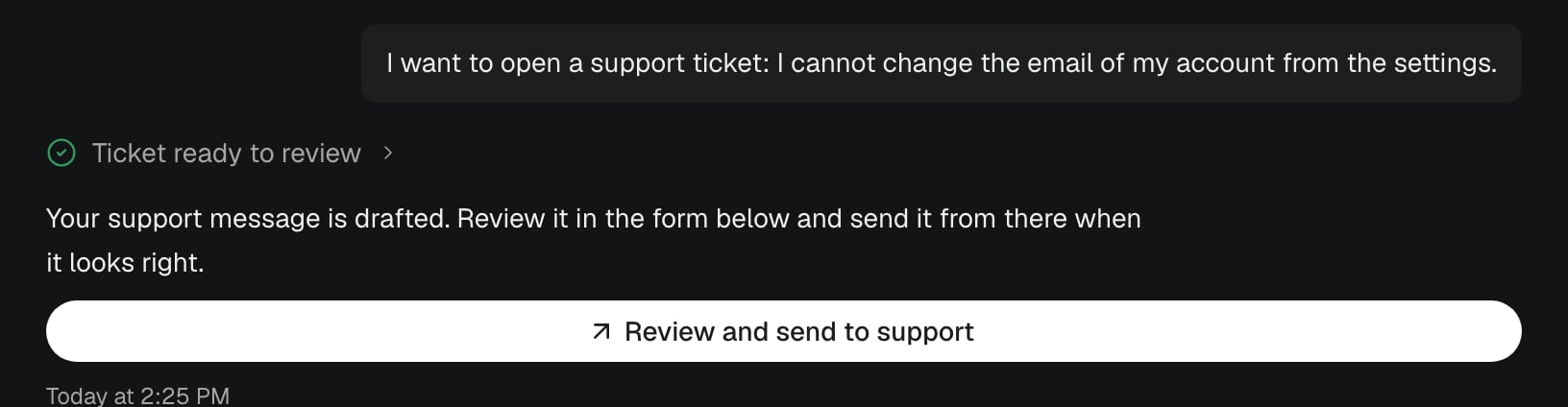
- In Nexor AI, describe the problem or ask for a ticket.
- Click Review and send to support.
- Check the message in Need a hand?, edit it if needed, and click Send to support.
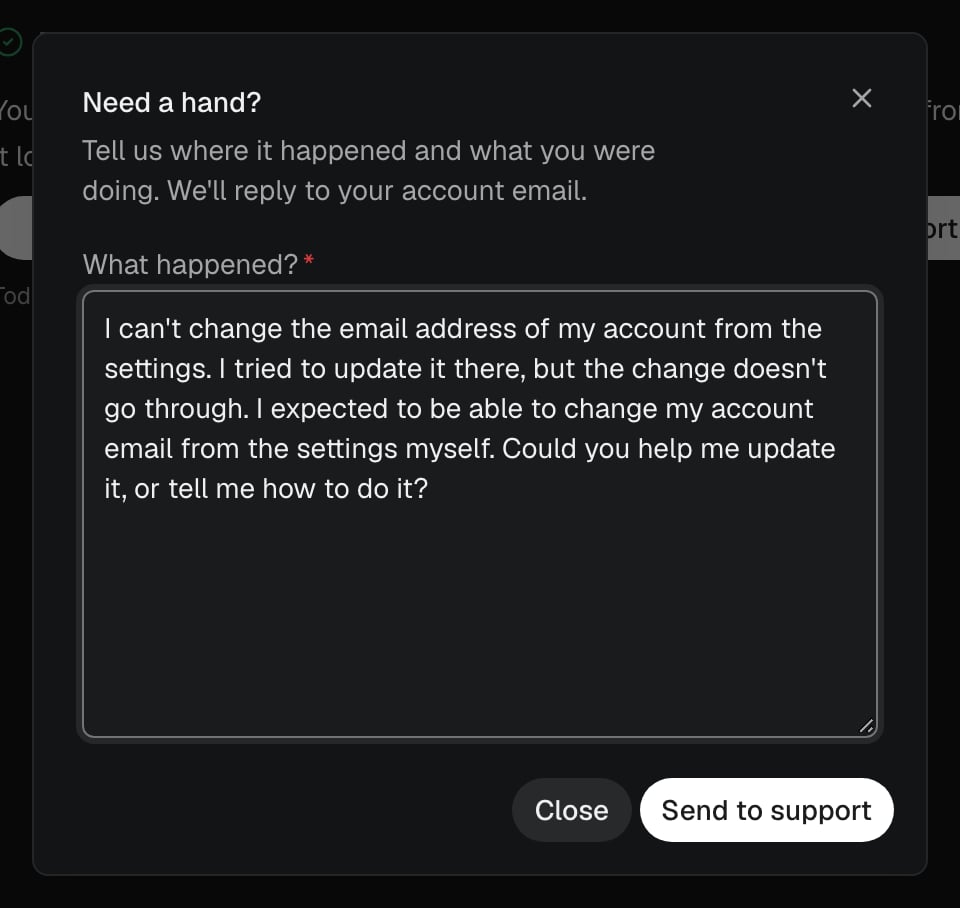
- You see the ticket number. Support replies to your account email.